Why current solutions fall short
Most direct mail tools weren't built for neighborhood targeting, recurring service reminders, or CRM-driven automation.

List Building
Buying lists and managing print vendors is a part-time job.

Limited Targeting
Most mail platforms don't do EDDM (Every Door Direct Mail) or neighbor radius targeting.
Missed Follow-Ups
Service reminders fall through the cracks when scheduled manually.
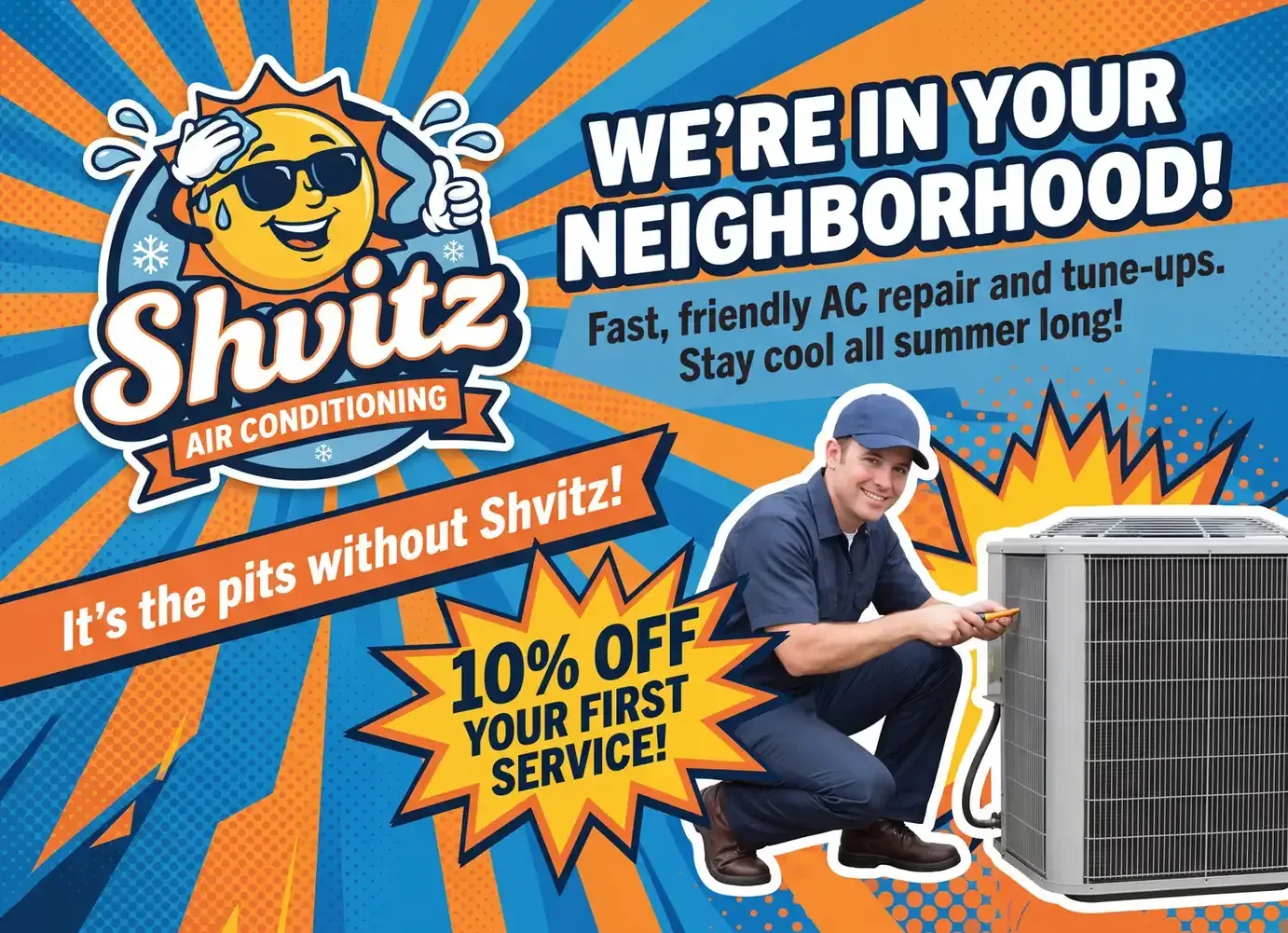
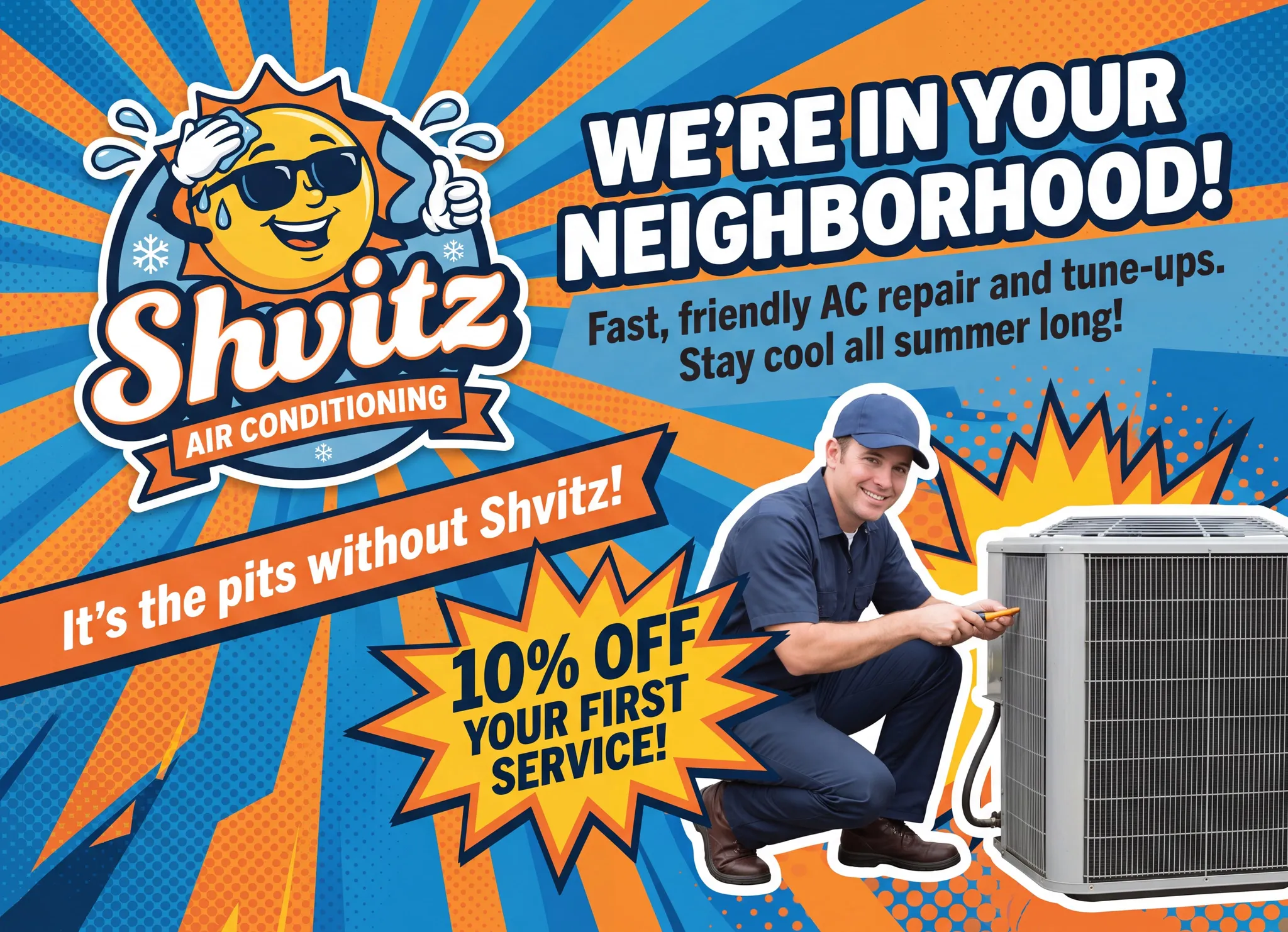
Neighbor mailers
After every job, auto-send 50 to 200 postcards to homes within a quarter-mile radius. "Your neighbor at 1234 Oak just had their AC tuned up. Want yours next?"
Annual service reminders
AC tune-up in spring, furnace in fall. Triggered from job completion date plus 11 months.

Storm response
Trigger an EDDM blast by zip code after a weather event. “Roof damage from last night’s storm? We’re in your area this week. Contact us to book an inspection.”

Invoices and statements
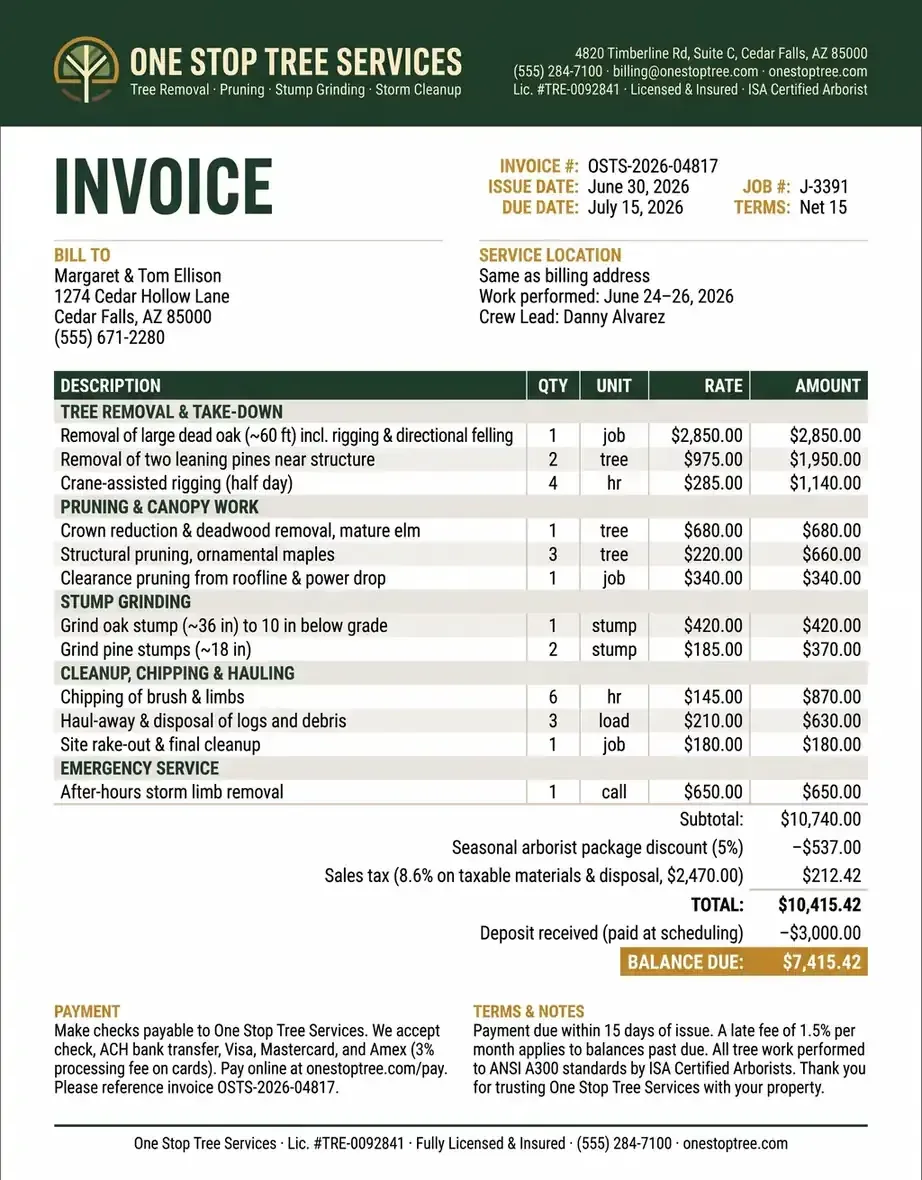
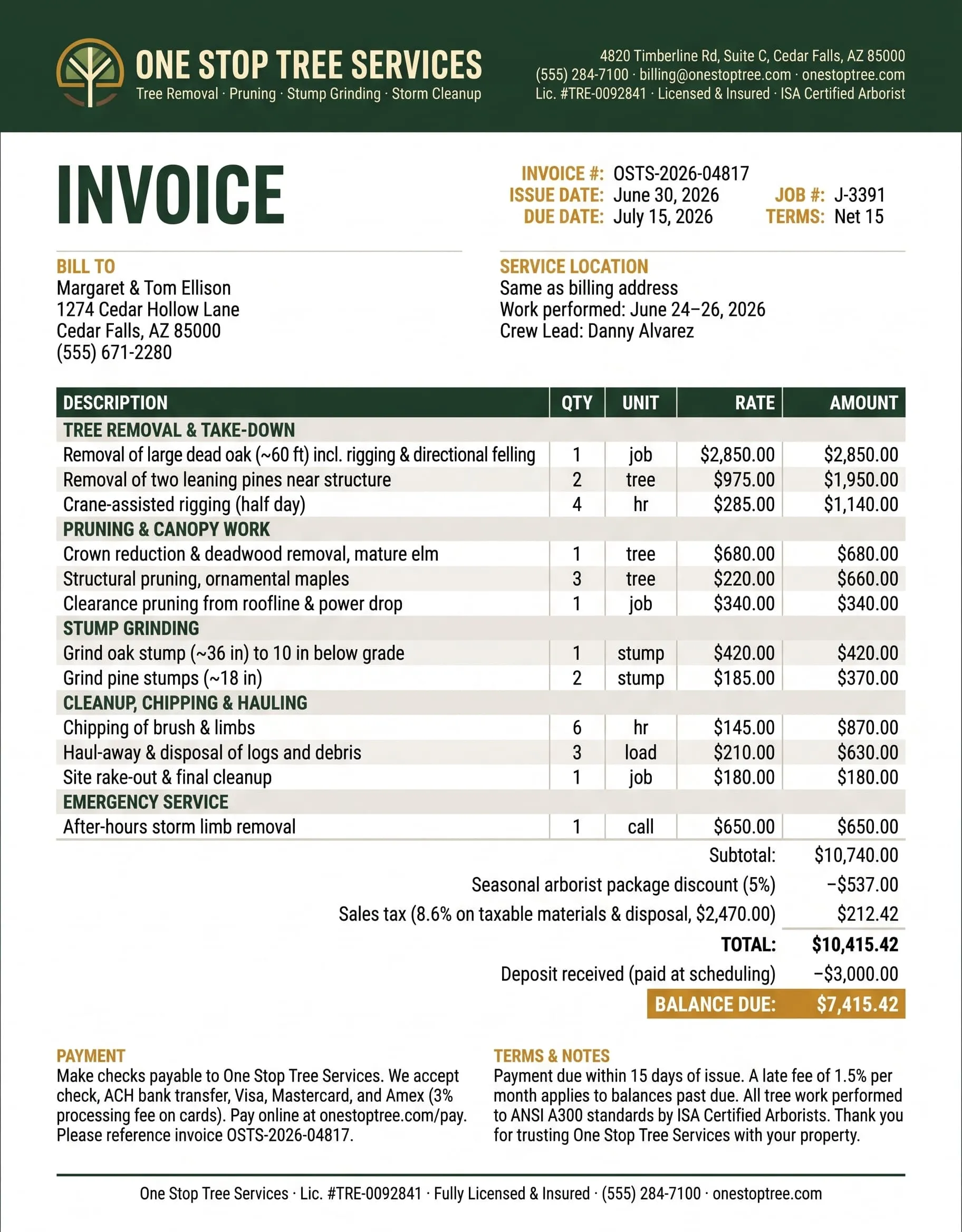
Print invoices straight from ServiceTitan, Housecall Pro, QuickBooks, or your accounting tool. Mailed same day, tracked, no post office trip.
Review requests
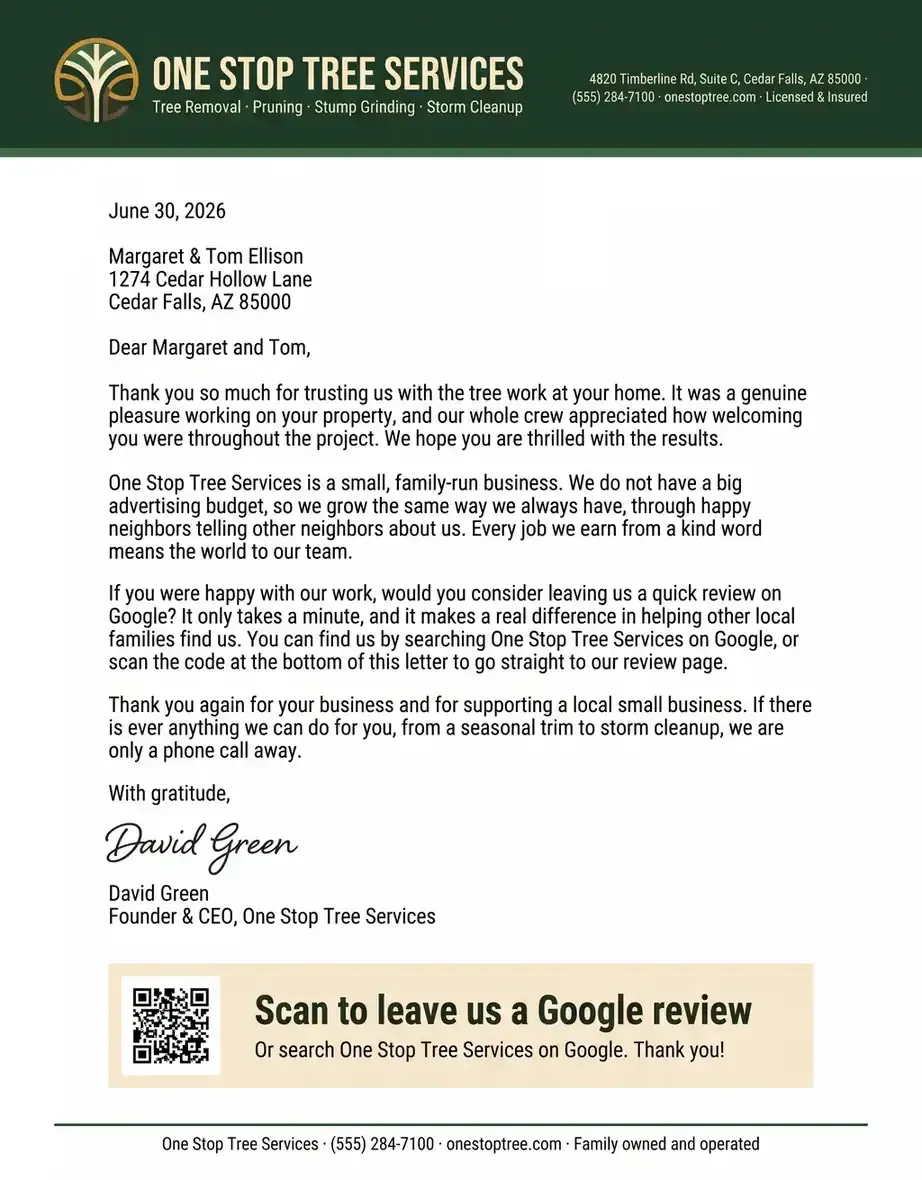
Postcard with QR code to Google review page, mailed 3 days after job completion
Built-in for Home Services
Integrate direct mail into your app with a few API calls. Everything you can do in the dashboard, you can do programmatically.

EDDM (Every Door Direct Mail) by route or zip code

Radius targeting (mail to the closest addresses to any pin)

ServiceTitan, Housecall Pro, Jobber, FieldEdge, Workiz integrations

QR codes to Google reviews, booking pages, or landing pages

Seasonal campaign templates (HVAC spring/fall, lawn care, pest)

Weather-triggered campaigns via webhook
Ready to automate your direct mail?
Start sending in minutes. Launch has no monthly platform fee or minimum; printing and postage are charged per mailing.







Pricing Pointer


Most operators run Scale ($99/mo) for triggered automations.
Multi-location franchises and large operators use Command ($399/mo) for per-tech reporting and reps.
Simple, Transparent Pricing
Launch has no monthly platform fee or minimum. Pay for each mailing, including printing and postage. Scale and Command add a subscription for higher-volume sending and additional features.
Plan 1
Launch
(Pay-as-you-go)
Start with pay-as-you-go letters and postcards.
- Letters: 89¢ first page, 25¢ each additional page, plus postage
- Postcards (4×6): 59¢ plus postage
- Address verification (CASS + NCOA): included on every send
- API access: full REST API, SDKs for Python and JavaScript
- Sandbox/test mode: unlimited test sends, free
- Real-time webhooks: mailed, in-transit, delivered, returned
- Tracking: USPS Intelligent Mail Barcode on every piece
- Dashboard: send history, status, proofs
- Support: community + email (48hr)
- Mailout SLA: next business day
Plan 2
Scale
$99/month
Add campaigns and team tools as your sending grows.
Everything in Launch, plus:
- Letters: 69¢ first page, 15¢ each additional page, plus postage
- Postcards (4×6): 49¢ plus postage
- EDDM (Every Door Direct Mail): route-based saturation mail, design-to-delivery
- Free Targeted Residential Prospecting: search by home value, home age, occupant net worth and more.
- Automated campaigns: drip sequences, triggered sends, multi-touch flows
- Delivery confirmation: included on all pieces
- Advanced webhooks: signed payloads, retry logic, custom events
- Native integrations: Klaviyo, Shopify, Zapier, Make
- A/B testing: split test creative, offers, timing
- Team seats: up to 5 users, role-based permissions
- Support: priority email + chat (4hr business hours)
Plan 3
Command
$399/month
Coordinate larger mail programs with managed support.
Everything in Scale, plus:
- Letters: 59¢ first page, 10¢ each additional page, plus postage
- Postcards (4×6): 39¢ plus postage
- Advanced reporting: cohort analysis, attribution, ROI dashboards, exportable
- Fully managed automations: MailerBot team builds your campaigns end-to-end
- Dedicated account manager
- SSO (Okta, Google, Microsoft)
- HIPAA BAA available
- Audit logs and compliance exports
- Unlimited team seats
- Custom rate limits and dedicated throughput
- 99.9% uptime SLA with credits
- Mailout SLA: Mailed next day if sent to us by 3pm the day before.
FAQ
The neighbor-mailer workflow described above targets nearby households after a job. Confirm the radius, recipient selection and available targeting options before launching, then review the list and avoid including a customer’s identifiable job details without their permission.
USPS Every Door Direct Mail reaches households on selected carrier routes without an individually addressed recipient list. EDDM Retail postage is currently 26¢ per piece; printing and preparation are additional. Check current USPS requirements and the complete campaign quote before sending.
ServiceTitan is listed among the integrations on this page. Confirm the supported events and setup with the MailerBot team, then check the recipient, template and mailing cost before enabling an automated workflow.
Yes. Plan seasonal prospecting campaigns separately from reminders to existing customers, with a clear offer and schedule for each. Review overlapping recipients so customers do not receive duplicate or conflicting messages.
Use a campaign-specific phone number, coupon code or landing page, and record resulting calls and bookings in your CRM. Compare the campaign’s total mailing cost with completed jobs and revenue; delivery status alone does not establish ROI.