Why current solutions fall short
Most businesses don't need a printer, a trip to the post office, or a developer just to send mail.

No Printer
Founders and remote teams don't have a printer. Or envelopes. Or stamps.
Mailing Hassle
"Send a signed contract" is a half-day errand when you're in Lisbon.
Developer Required
Existing mail APIs require a developer to integrate. You just want to print.
Print from anywhere
Install our print driver on Windows. Print from Word, Google Docs, PDF, anything. We mail it.

Signed contracts and NDAs
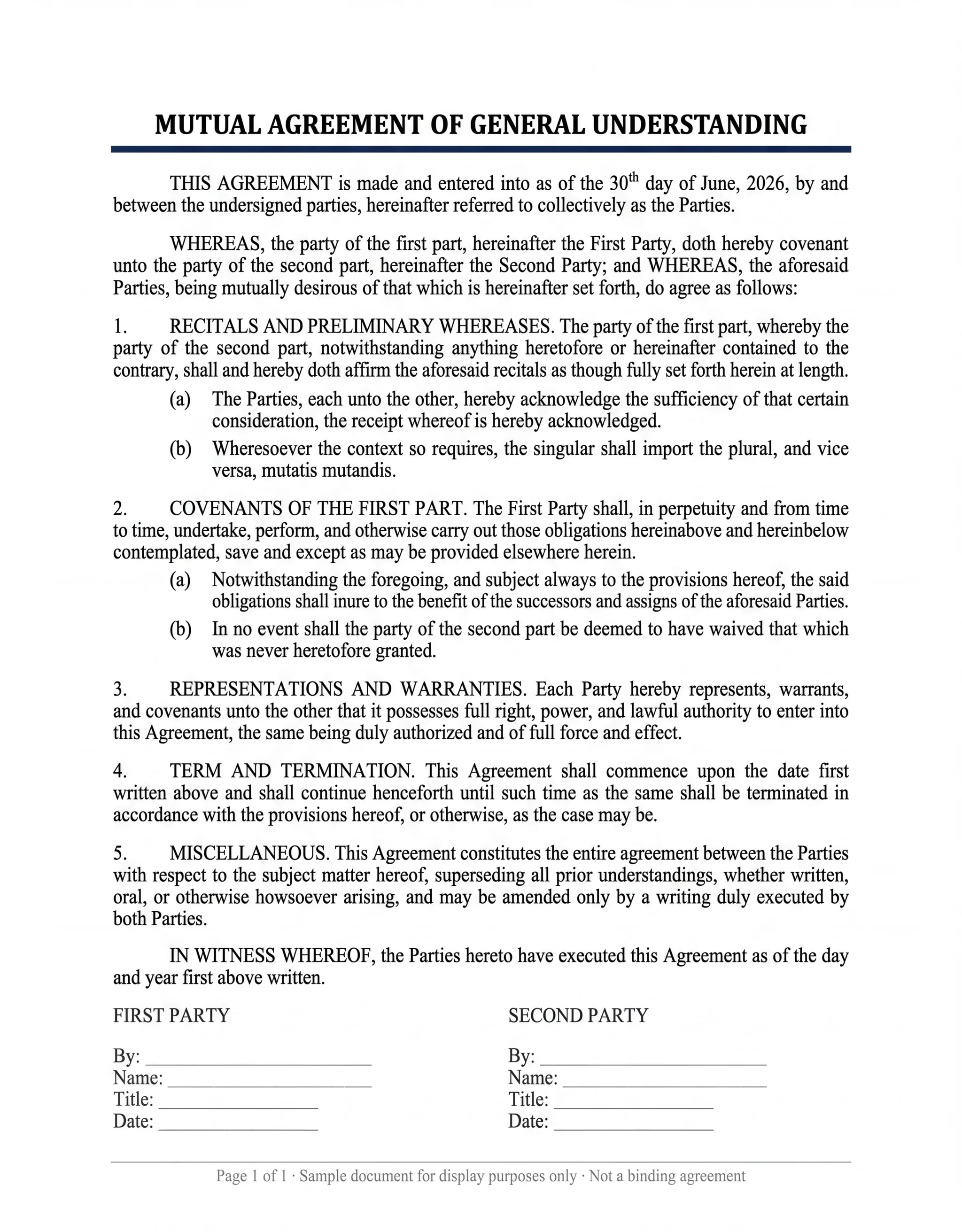
Mail a printed copy of a signed contract or NDA to the people who need it. Prepare the completed document as a PDF, check the recipient and proof, and retain the original signed file in your records.
Invoices from QuickBooks, Stripe, or FreshBooks
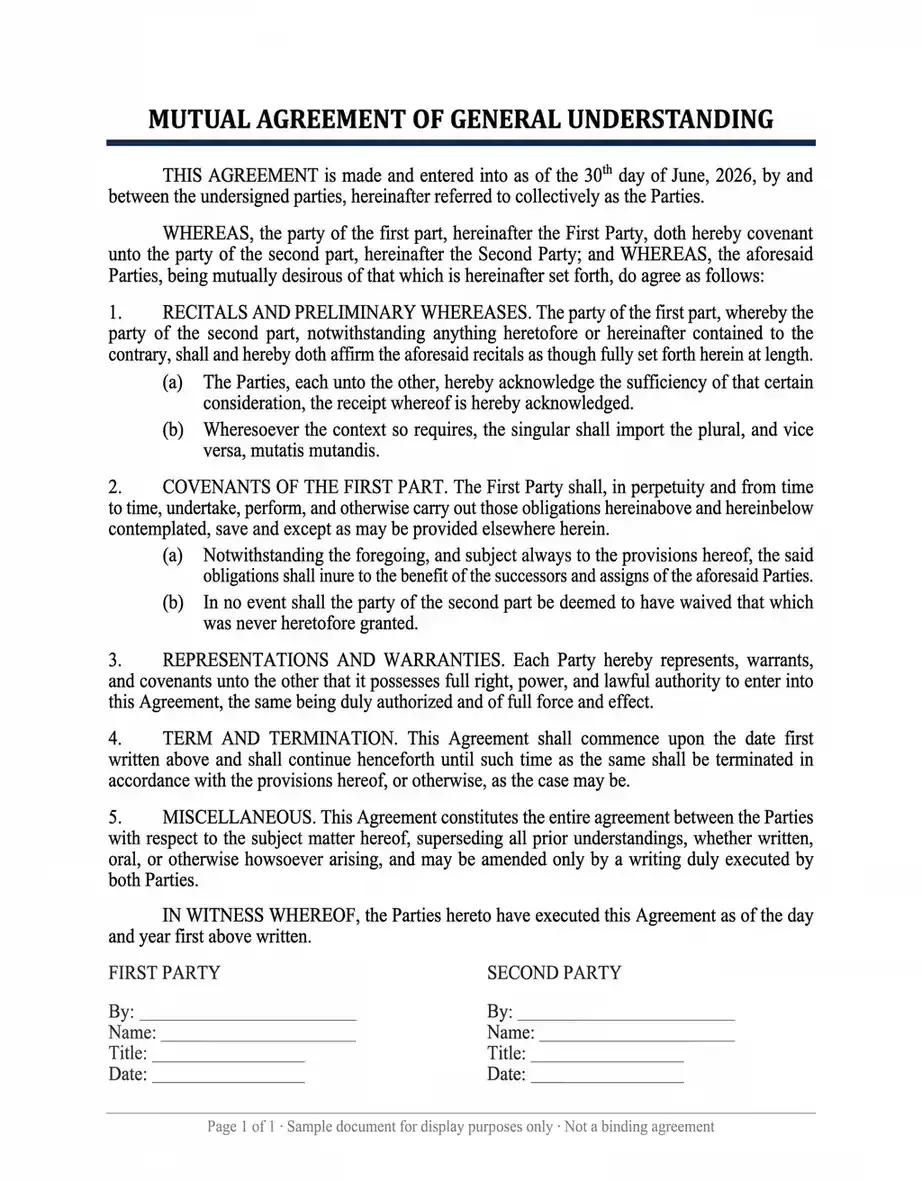
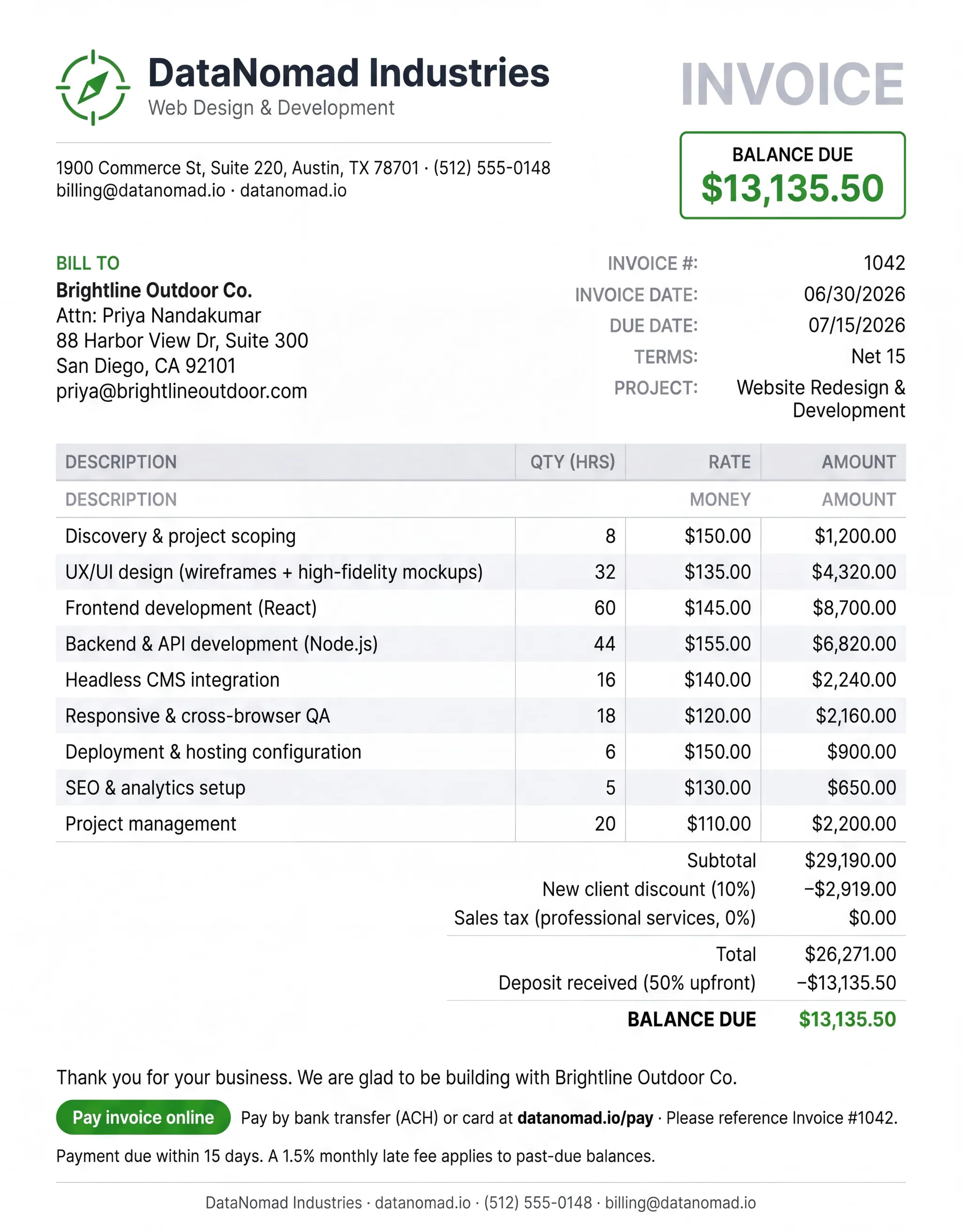
Print a customer invoice as a PDF, hit print to MailerBot, mailed the next day. Skip the post office entirely.
Investor updates
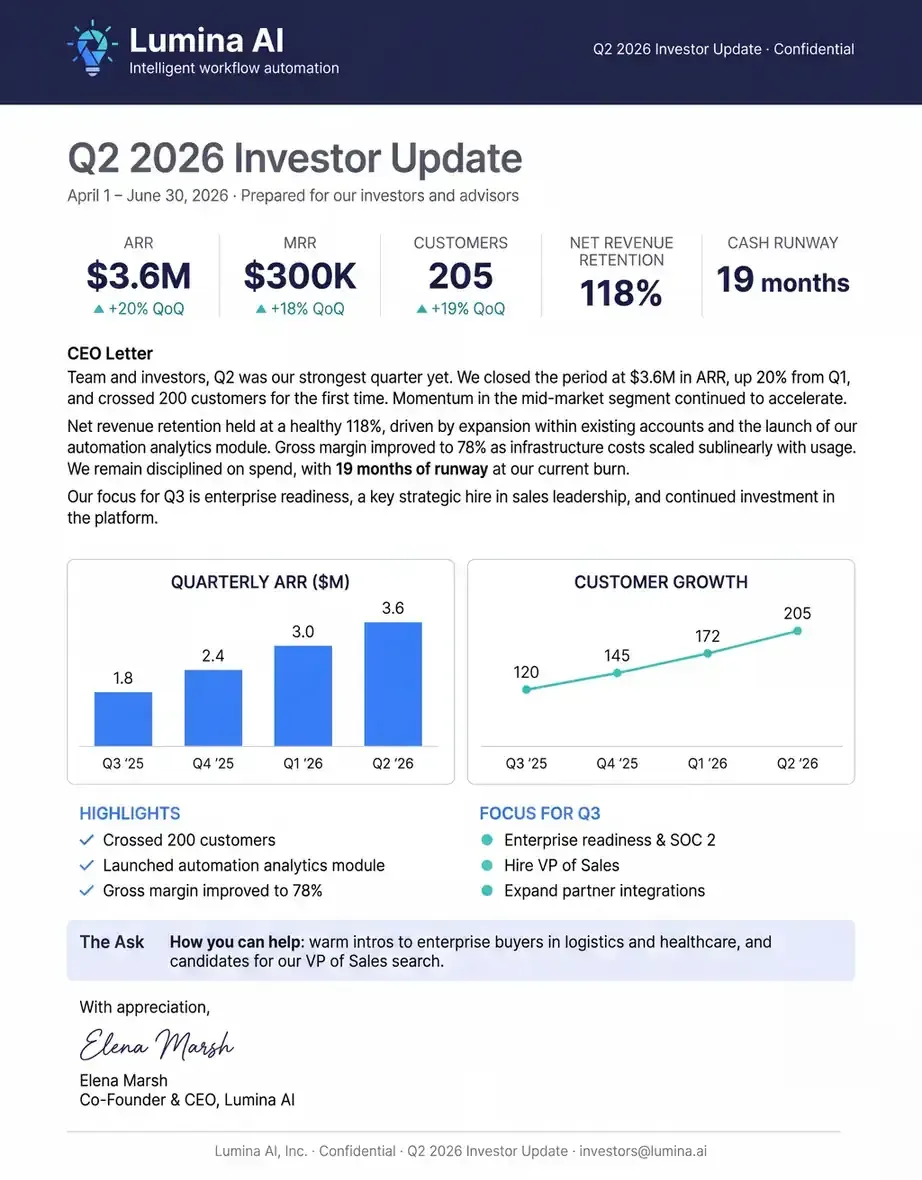
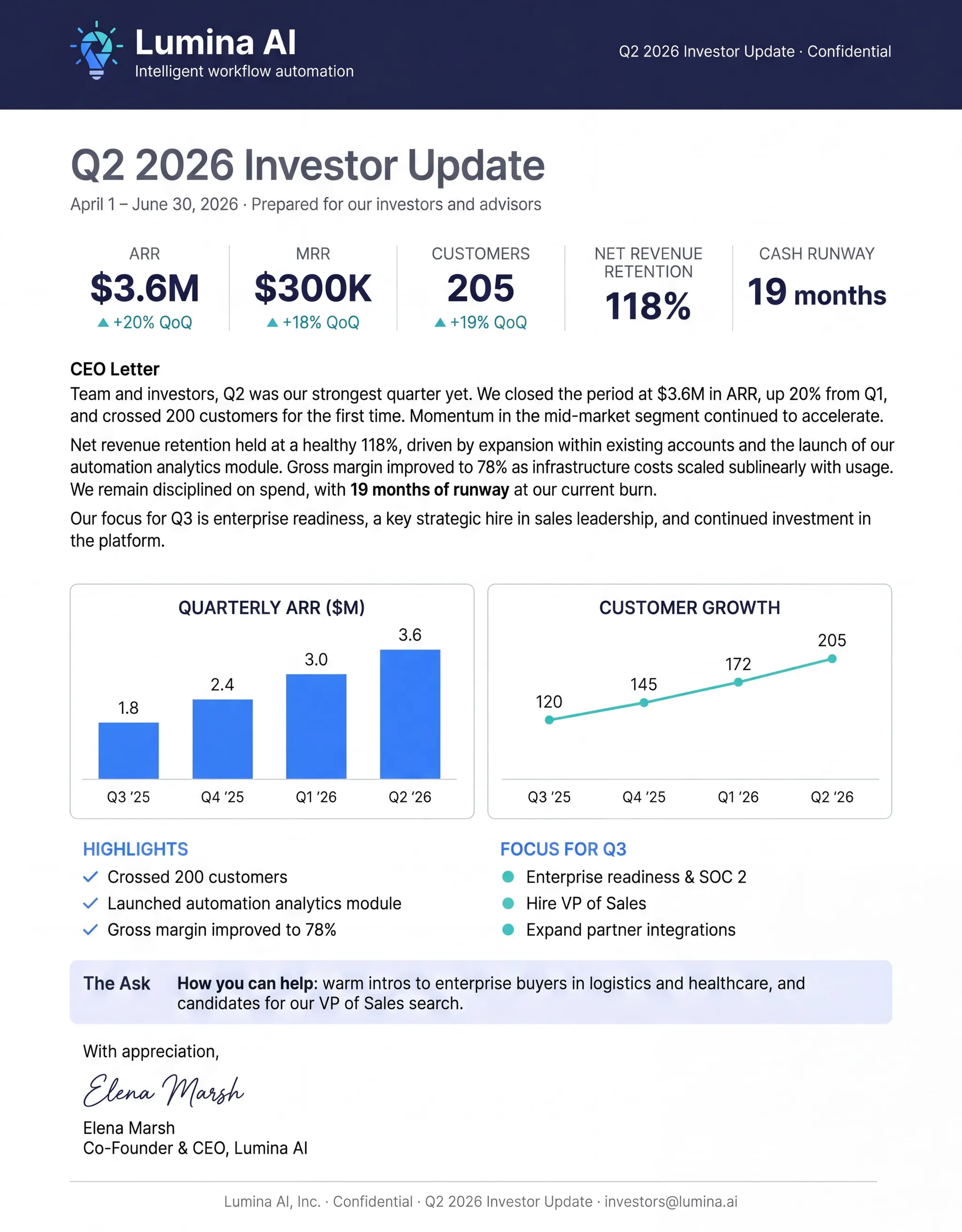
Quarterly investor letter printed from your laptop, mailed to the LP list you uploaded once.
Customer thank-yous
Send a real handwritten note (Handwrytten upgrade) to a new customer without leaving Notion.
Built-in for Startups and Nomads
Integrate direct mail into your app with a few API calls. Everything you can do in the dashboard, you can do programmatically.

MailerBot Print Driver (Mac, Windows, Linux). Shows up as a printer. Print to it, it goes in the mail.

One-click recipient address book (saved contacts)

Certified Mail option for legal and tax documents

Send from any device, anywhere on Earth

Pay-as-you-go with no minimum, perfect for solo founders

Real handwritten upgrade (Handwrytten powered) for personal touches
Ready to automate your direct mail?
Start sending in minutes. Launch has no monthly platform fee or minimum; printing and postage are charged per mailing.





Pricing Pointer

Solo founders and nomads run on Launch (PAYG).
Funded startups doing customer thank-yous at scale move to Scale ($99/mo) for automation.
Simple, Transparent Pricing
Launch has no monthly platform fee or minimum. Pay for each mailing, including printing and postage. Scale and Command add a subscription for higher-volume sending and additional features.
Plan 1
Launch
(Pay-as-you-go)
Start with pay-as-you-go letters and postcards.
- Letters: 89¢ first page, 25¢ each additional page, plus postage
- Postcards (4×6): 59¢ plus postage
- Address verification (CASS + NCOA): included on every send
- API access: full REST API, SDKs for Python and JavaScript
- Sandbox/test mode: unlimited test sends, free
- Real-time webhooks: mailed, in-transit, delivered, returned
- Tracking: USPS Intelligent Mail Barcode on every piece
- Dashboard: send history, status, proofs
- Support: community + email (48hr)
- Mailout SLA: next business day
Plan 2
Scale
$99/month
Add campaigns and team tools as your sending grows.
Everything in Launch, plus:
- Letters: 69¢ first page, 15¢ each additional page, plus postage
- Postcards (4×6): 49¢ plus postage
- EDDM (Every Door Direct Mail): route-based saturation mail, design-to-delivery
- Free Targeted Residential Prospecting: search by home value, home age, occupant net worth and more.
- Automated campaigns: drip sequences, triggered sends, multi-touch flows
- Delivery confirmation: included on all pieces
- Advanced webhooks: signed payloads, retry logic, custom events
- Native integrations: Klaviyo, Shopify, Zapier, Make
- A/B testing: split test creative, offers, timing
- Team seats: up to 5 users, role-based permissions
- Support: priority email + chat (4hr business hours)
Plan 3
Command
$399/month
Coordinate larger mail programs with managed support.
Everything in Scale, plus:
- Letters: 59¢ first page, 10¢ each additional page, plus postage
- Postcards (4×6): 39¢ plus postage
- Advanced reporting: cohort analysis, attribution, ROI dashboards, exportable
- Fully managed automations: MailerBot team builds your campaigns end-to-end
- Dedicated account manager
- SSO (Okta, Google, Microsoft)
- HIPAA BAA available
- Audit logs and compliance exports
- Unlimited team seats
- Custom rate limits and dedicated throughput
- 99.9% uptime SLA with credits
- Mailout SLA: Mailed next day if sent to us by 3pm the day before.
FAQ
The MailerBot Print Driver is listed on this page for Mac, Windows and Linux. Confirm the current installer and supported OS version before installing, and review your recipient and document proof before submitting a mailing.
Certified Mail is listed as an option for legal and tax documents. Confirm that it is available in your selected workflow and review the additional fees and receipt options before sending. Retain the mailing records required for your document.
You can prepare a mailing remotely, including while traveling outside the US. Confirm that the recipient destination and chosen mail service are supported; your physical location does not determine where MailerBot can deliver a piece.
The invoice workflow described above mails the next day. Allow additional time for postal delivery, and check the submission requirements, production timing and mailing status before relying on a deadline.
The page describes a Handwrytten-powered handwritten upgrade. Confirm the supported workflow, note format, handwriting requirements and price with the team before selecting it; do not assume an ordinary printed document becomes a handwritten note.