Start with One Campaign Goal
A home-services postcard should give a local customer a clear reason to contact you. Choose one goal: reach a new neighborhood, bring back past customers, sell a maintenance plan, or promote a seasonal service. MailerBot helps you design, personalize, and send the piece; your offer, audience, and follow-up determine whether it produces useful leads.
- Choose an audience you can serve and an offer you can honor.
- Use a clear booking link, phone number, or QR code.
- Budget using production, postage, any plan fees, and your service margin.
- Measure booked jobs and contribution, not just scans or responses.
Why Use Postcards for Local Services?
Postcards give homeowners a physical reminder of your business. A useful offer can stay on a counter until a repair or maintenance need arises. They can also reinforce an email, a truck seen in the neighborhood, or a recent service visit.
That does not guarantee a particular response rate or return. Start with a controlled campaign, keep a record of spend and resulting jobs, and compare outcomes against your own service economics.
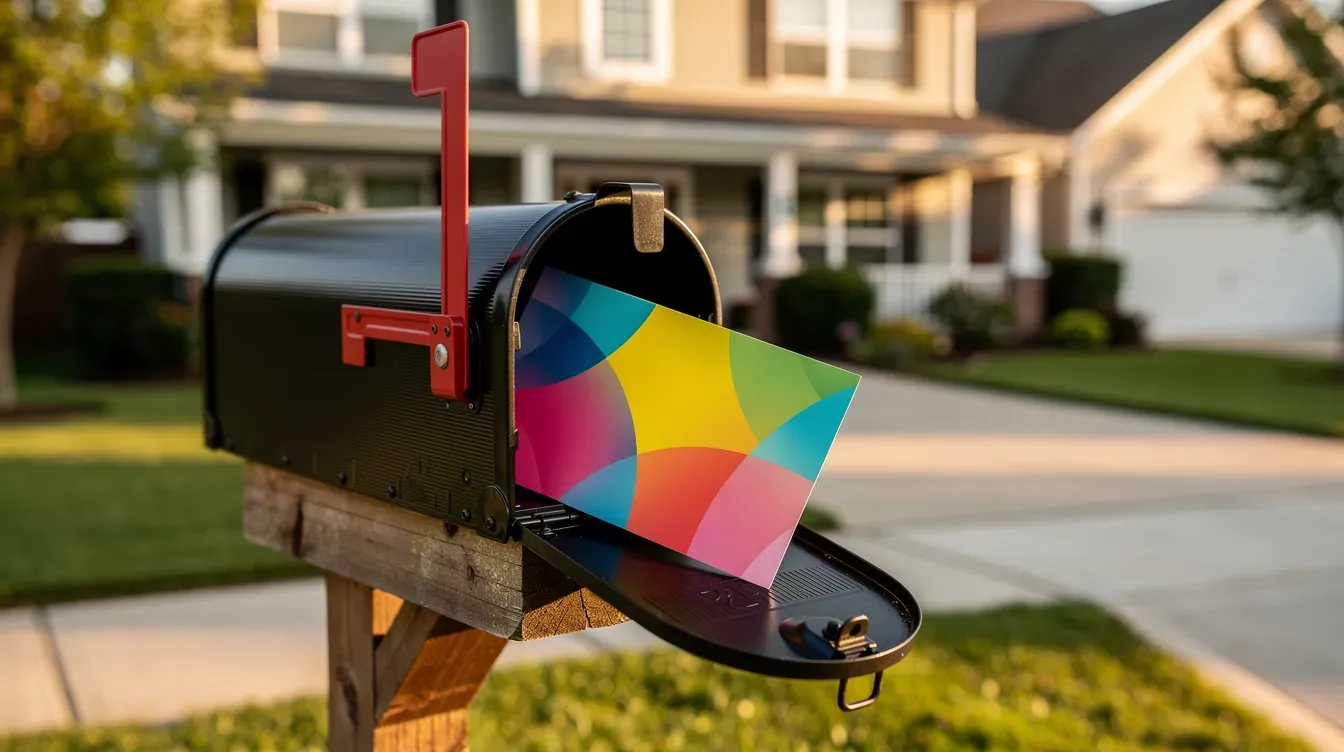
Build a Postcard with a Clear Next Step
- Headline: name the service or problem, such as “Time for Your Fall Furnace Check?”
- Offer: state the price or benefit and any eligibility conditions.
- Evidence: use a real project photo or an approved customer testimonial.
- Response: provide a readable phone number and short booking URL as well as a QR code.
- Practical details: include service area, deadline, and the conditions needed to honor the offer.
Keep the design readable. A crowded card with several competing offers makes the response harder to understand.
Six Campaign Ideas for Home Services
The examples below are illustrative campaign ideas, not MailerBot customer case studies or promised results. Adapt them to the work you sell, the customers you can reach, and your available capacity.
For each idea, define an audience, an offer, a follow-up owner, and the number of booked jobs needed to cover the mailing expense.
1. Reach a New Neighborhood
Choose a neighborhood inside your service area and lead with an offer suited to those homes. A pressure-washing business might promote a driveway-cleaning appointment; an HVAC company might introduce its maintenance service.
MailerBot’s Scale plan lists EDDM route-based saturation mail and residential prospecting. Review the current plan details and the available audience options before choosing a route or list. Broad coverage is useful only if you can serve the households you reach.
Use a campaign-specific booking link so inquiries from this mailing can be reviewed separately.

2. Reactivate Past Customers
Use your own service history to identify customers due for another visit. A relevant reminder is stronger than a generic discount sent to everyone.
For example, prepare a list of customers whose last maintenance visit was about a year ago. Personalize the card with their name and invite them to book the appropriate service. Exclude customers who have already scheduled or asked not to receive marketing mail.
Import the audience into MailerBot, review the design, and track which resulting appointments became completed jobs.
3. Promote a Maintenance Plan
Make the plan tangible: show what visits or benefits it includes, its price, and any limitations. Avoid suggesting that a plan covers repairs it excludes.
An illustrative HVAC campaign could invite eligible past customers to a seasonal service agreement. Link to a page that explains the actual terms and allows a customer to request enrollment. Personalization can keep the message relevant without putting private service details on an exposed postcard.
4. Fill a Seasonal Booking Window
Work backward from the weeks you want to fill. Prepare the offer and audience early enough for production, postal transit, and customers to respond.
A lawn-care business might promote spring cleanup to existing customers, then send a separate fall-aeration reminder. Give each mailing its own campaign label or booking code. MailerBot supports scheduling; check the date and job options in your account rather than treating the submission date as a delivery promise.
5. Welcome New Homeowners
A welcome offer can introduce a business to residents who are still choosing local service providers. Keep it helpful: explain the service area, what you offer, and how to request an appointment.
Use a lawfully obtained, current audience list or a confirmed prospecting option. Do not assume MailerBot supplies a particular new-mover dataset just because the campaign idea involves new homeowners. Check the available filters and data before building the audience.
6. Follow Up Around a Completed Job
When a recent project demonstrates your work, use an approved photo and a neighborhood-specific message. Obtain permission before naming a customer or showing their identifiable property.
Prepare the nearby-household audience through an available prospecting option or an appropriate external list. Do not assume that entering a job address automatically creates a radius mailing. Confirm the targeting workflow before promising it to your team.
A dedicated response code can help connect inquiries to the project-based campaign.
Prepare Artwork for MailerBot
Use MailerBot’s visual postcard editor or upload suitable artwork. Keep contact details large enough to read, use high-quality images, and follow the selected template’s dimensions and print guidance.
Element | Review before sending |
|---|---|
Headline and offer | One message with clear terms |
Images | Sharp artwork and permission to use it |
Personalization | Correct merge fields and fallback text |
Booking details | Working phone, URL, and QR destination |
Proof | Both sides, address area, and final layout |

Choose Your Audience and Budget
Your existing customer list is a useful starting point for reactivation and maintenance campaigns. Prospecting may require residential targeting or route-based mailing, with availability depending on the plan and workflow.
The current Launch plan lists 4×6 postcards at 59¢ plus postage. Scale lists a lower postcard rate with a paid subscription. Use current MailerBot pricing and the actual job cost to compare the full expense at your volume. Include list preparation, artwork, postage, and any subscription allocation in the campaign budget.
Measure Booked Jobs, Not Just Scans
A QR scan shows that someone followed the printed link. It does not by itself establish a booked job, revenue, or an incremental sale. Pair QR or coupon tracking with your booking and invoicing records.
- Record mailing cost and the audience size.
- Track inquiries, qualified leads, booked jobs, and completed jobs separately.
- Use contribution per job after service costs to assess the campaign.
- When practical, compare a mailed group with a similar unmailed group to estimate incremental results.
Review MailerBot’s tracking and analytics alongside your own business records.
Coordinate Follow-Up with Your Existing Tools
Keep the postcard’s offer consistent with your email, website, and customer-service script. Assign someone to answer inquiries and check appointment capacity before sending.
Review MailerBot integrations for the tools available to your account. A workflow connected through an API or automation platform needs explicit rules for who receives a card, when it sends, and how duplicate sends are prevented.
Launch a Focused First Campaign
- Pick one of the six ideas and define the audience.
- Calculate how many completed jobs would cover the full campaign cost.
- Prepare artwork and check the booking destination.
- Send a small initial mailing and review the physical result.
- Run the campaign, record outcomes, and adjust one variable at a time.
For the product workflow, visit the MailerBot home-services page. When your offer and audience are ready, create a MailerBot account to prepare the mailing.
Ready to automate your direct mail?
Start sending in minutes. Launch has no monthly platform fee or minimum; printing and postage are charged per mailing.
FAQ
Choose a test size based on the audience, full mailing cost, and contribution from a completed job. A small initial send helps check the physical output; a larger campaign needs enough budget and follow-up capacity to learn from the results.
Choose a format available in your account and use its template specifications. Launch pricing lists a 4×6 postcard. Confirm availability and cost before preparing another size.
Allow time for artwork, audience review, production, and postal transit. The Launch plan lists a next-business-day mailout SLA; that is separate from arrival at the recipient. Check your job and plan details.
Yes. Use a consistent offer across the card, booking page, and follow-up messages. Compare booked jobs and contribution against total spend rather than assuming a scan or click is a sale.
The Scale plan lists EDDM and residential prospecting. Review the available routes, filters, and plan terms for your campaign; use your own appropriate audience data where needed.

Print-to-Mail Services: How to Send Business Documents with MailerBot
Learn how to prepare, personalize, and send business letters with MailerBot, understand mailing costs, and choose between dashboard sending and API automation.

Nonprofit Direct Mail with MailerBot: Donor Letters, Receipts, and Postcards
Use MailerBot to prepare donor letters, acknowledgment mailings, and postcards, with practical guidance on personalization, automation, budgeting, and postal options.
Introducing MailerBot: Automated Postcards and Letters from Your Dashboard or API
Meet MailerBot: a dashboard and API for preparing personalized postcards and letters, managing recipient data, sending mailings, and reviewing their status.