What MailerBot Does
MailerBot helps businesses prepare and send physical postcards and letters through a web dashboard or API. Create the content, choose the recipients, review the mailing, and let the service handle printing and postal handoff.
It brings the mailing workflow into the tools your team uses to manage customer communication. Start with a manual send in the dashboard or connect a recurring workflow through the documented API. You still control the message, the audience, and when a mailing is approved.
Create Personalized Mail
- Postcard design: use the visual editor to arrange text, images, and response details, or work from appropriate uploaded artwork.
- Letters: compose content in the rich text editor or upload a print-ready PDF.
- Personalization: use merge fields with accurate recipient data and review representative proofs.
- Contacts: prepare your audience and lists before connecting them to a mailing.
- Tracking: review mailing status and the available QR or coupon response information.
A relevant message and a clear response step matter as much as the tool. Review the final output before submitting.
Create the message, review the recipients and proof, then send through the dashboard or API.
Choose Dashboard Sending or API Automation
The dashboard suits a team member who prepares and reviews mailings manually. The API suits software that already knows the relevant business event, recipients, and approved template.
The MailerBot API documentation covers contacts, lists, documents, postcard designs, mailings, and webhooks. API automation is a connection your team configures: define approval rules, duplicate prevention, error handling, and records before enabling it.
Review MailerBot integrations for available connections and plan requirements. Distinguish a native integration from a workflow built through an external automation tool.
How a Mailing Works
- Prepare: create the design or document and check its layout.
- Target: choose the recipient list and review personalization.
- Review: confirm the proof, available mailing options, and complete cost.
- Send: submit the job for production and postal handoff.
- Monitor: review status information and record the resulting customer responses.
Production and postal delivery are separate stages. MailerBot lists a next-business-day mailout SLA on Launch; arrival depends on the postal service and destination. Plan date-sensitive campaigns with enough lead time.
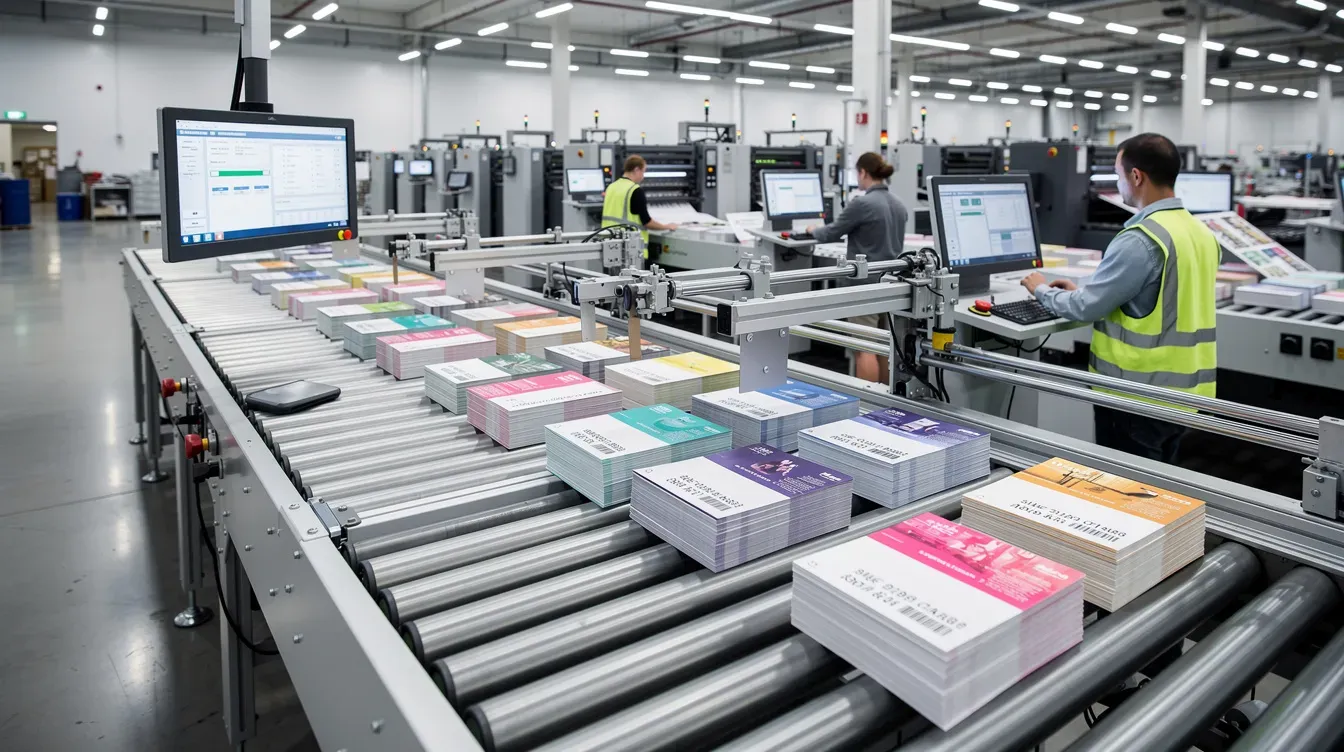
Compare complete mailing costs and plan features before choosing a workflow.
Formats, Pricing, and Plan Features
MailerBot supports postcard and letter workflows. Choose a format available in your account and use its specifications before preparing artwork. Check any special production request separately.
The current Launch plan is pay-as-you-go. It lists 4×6 postcards at 59¢ plus postage, and letters at 89¢ for the first page and 25¢ for each additional page, plus postage. These are not an all-in mailed price.
Paid plans have subscription fees, different per-piece rates, and additional capabilities. Scale lists EDDM, residential prospecting, automated campaigns, and integrations; Command lists additional reporting and managed-service options. Review current MailerBot pricing and the job cost for the combination you need.
The API documentation includes test keys for mailings that are not charged, printed, or mailed. Other account resources such as contacts and designs are shared with live use, so keep test data organized.
Who Can Use MailerBot?
- Home-services businesses: prepare reminders, reactivation cards, and local offers.
- Retail and ecommerce teams: send customer thank-you messages or relevant offers.
- Nonprofits: prepare donor letters, approved acknowledgment documents, and event postcards.
- Professional services: mail correspondence or reminders from an approved document workflow.
- Developers and agencies: connect mailing tasks to software through the API.
MailerBot was built by the team at Handwrytten. Handwrytten provides a separate handwritten-note offering. Do not assume a standard printed MailerBot letter is written with real pens or that handwritten-note results apply to a printed postcard.
Prepare Your First Mailing
Pick one use case and prepare a small audience with accurate data. Create the content, check merge fields, review the proof and cost, then make an initial send to inspect the physical result.
For an API connection, follow the documented test-mode workflow before sending live mail. Keep a record of the approved content and the business event behind each mailing.
Ready to start? create a MailerBot account or read the MailerBot API documentation. Choose the plan that fits your actual mailing workflow and volume.
Ready to automate your direct mail?
Start sending in minutes. Launch has no monthly platform fee or minimum; printing and postage are charged per mailing.
FAQ
Production and postal transit are separate. The Launch plan lists a next-business-day mailout SLA, not a guaranteed arrival date. Check the service and destination for your actual mailing and leave time for delivery.
Launch lists 4×6 postcards at 59¢ plus postage and letters at 89¢ for the first page plus 25¢ for each additional page, plus postage. Paid plans have different rates and subscriptions. Review current pricing and the full job cost.
Use an available integration or the documented API. Confirm the connection and plan requirements, then define approval, duplicate prevention, data mapping, and error handling before live sending.
Yes. MailerBot provides a visual postcard editor and supports appropriate artwork workflows. Follow the selected format’s specifications and review both sides of the proof, personalization, and response details.
Standard MailerBot letter workflows create printed correspondence. Handwrytten is a separate handwritten-note offering from the team behind MailerBot; confirm any special handwriting service rather than assuming it is included in a printed letter.

Print-to-Mail Services: How to Send Business Documents with MailerBot
Learn how to prepare, personalize, and send business letters with MailerBot, understand mailing costs, and choose between dashboard sending and API automation.
Home Services Postcards: 6 Campaign Ideas to Run with MailerBot
Plan six practical postcard campaigns for your home-services business, prepare your audience and offer, and use MailerBot to send and measure a focused test.

Nonprofit Direct Mail with MailerBot: Donor Letters, Receipts, and Postcards
Use MailerBot to prepare donor letters, acknowledgment mailings, and postcards, with practical guidance on personalization, automation, budgeting, and postal options.